
Fantasy worlds
Create and manage a fantasy world.
VISINVOKE. Fantasy world-building.
Create and manage fantasy worlds, regions, factions and campaign foundations with World Builder. Give your setting a clear identity and keep its campaign context in view.

A fantasy setting with a clear foundation
Keep the world and its campaign context in view.
Create and manage a fantasy world.
Give your world-building work regional context.
Bring factions into the setting.
Keep the campaign foundation clear.
Begin with the fantasy setting
Consider the world you want to create and the campaign it supports.
Keep regions, factions and the campaign foundation in view.
The desktop-workspace illustration gives VISINVOKE context. It is not a World Builder application screen.
An approach to world-building work
Bring a clear purpose to the fantasy setting you are creating.
Consider the premise of the fantasy setting.
Think about the regions that matter to the campaign.
Give the setting a clear faction context.
Keep the campaign foundation in view.
The World Builder purpose
Create and manage the world, its regions, its factions and its campaign foundation.
Create fantasy worlds.
Manage your fantasy worlds.
Create and manage regions within your world-building work.
Create and manage factions for your fantasy setting.
Create and manage campaign foundations.
Bring your fantasy-world ideas into focus.
Consider regions and factions together in your world-building work.
Give the campaign a clear foundation.
World-building at several levels
Regions and factions give a fantasy setting context.
Keep the overall fantasy setting in view.
Consider the places that shape the setting.
Consider the groups that matter to the campaign.
Keep the campaign’s starting context clear.
Keep the setting’s purpose in view
Develop the fantasy world with its campaign context in mind.
What gives the fantasy world its identity?
Which places matter to this setting?
Which groups matter to the campaign?
What context does the campaign need?

Keep the setting in context
Bring fantasy worlds, regions, factions and campaign foundations into your world-building work.
Consider how the setting serves the campaign you want to create.
The artwork is the existing World Builder illustration, not an application screen or a generated world.
A distinct VISINVOKE world-building product
Keep separate products and their purposes clear.
Create and manage fantasy worlds, regions, factions and campaign foundations.
A separate VISINVOKE product.
Separate products in the RPG Worlds family.
Review access information for each product separately.
VISINVOKE account workspace
Keep account management and individual product access clear.
Create a free VISINVOKE account for your workspace.
Review product access information in your account.
Desktop Command Centre organises VISINVOKE desktop products.
Each utility has its own purpose and access.
VISINVOKE means value
Keep the world, its regions, its factions and its campaign context together.

Begin with the fantasy setting.
Consider the regions that matter.
Consider the groups that shape the campaign.
Keep the campaign’s starting context clear.
Explore your VISINVOKE workspace
Each card opens its own product website. Review purpose and access separately; related products do not promise included access or automatic synchronisation.
Explore your VISINVOKE desktop workspace.
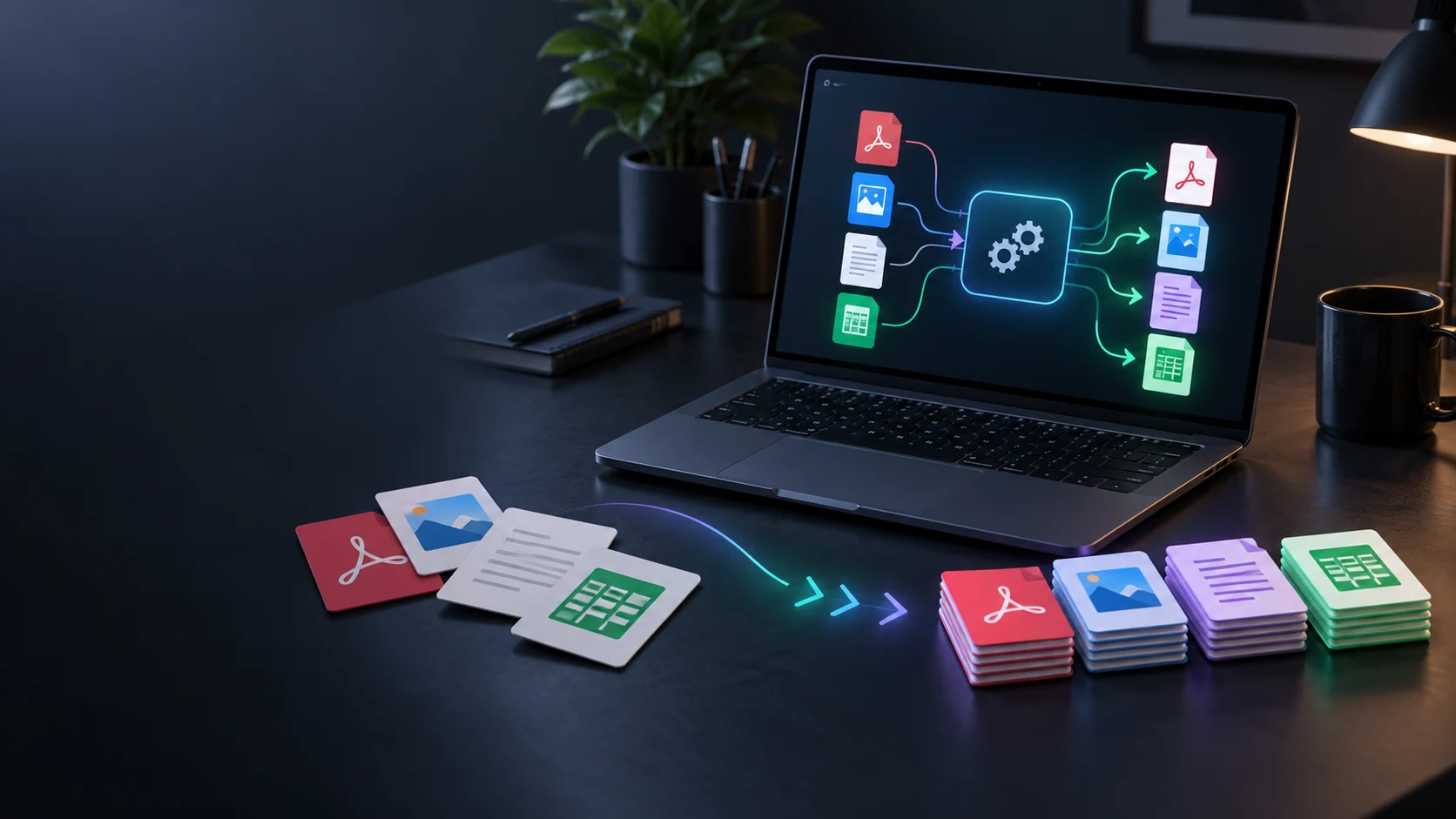
Convert supported files in a separate utility.
Manage separate backup work.
Work with PDF documents.
Work with image files.
Compose image layouts.
Product artwork is illustrative, not application screens or actual generated image output.
Quick answers
Understand its fantasy-world purpose and distinct product identity.
World Builder is the VISINVOKE product for creating and managing fantasy worlds, regions, factions and campaign foundations.
Its product description covers fantasy worlds, regions, factions and campaign foundations.
No. World Builder and World Framework Generator are separate VISINVOKE products. This page describes World Builder.
No. World Builder has its own product identity in the RPG Worlds family. Veridian and CyberTech are separate products.
Begin with the world’s premise, consider the regions and factions that matter to your campaign, and keep the campaign foundation clear. This is an approach to world-building work.
Use your VISINVOKE account for product access information. Creating a free account is separate from individual product access.
Continue in VISINVOKE
Create your free VISINVOKE account for account management.
Review product access information in your account.
Explore related VISINVOKE products through their individual public websites.